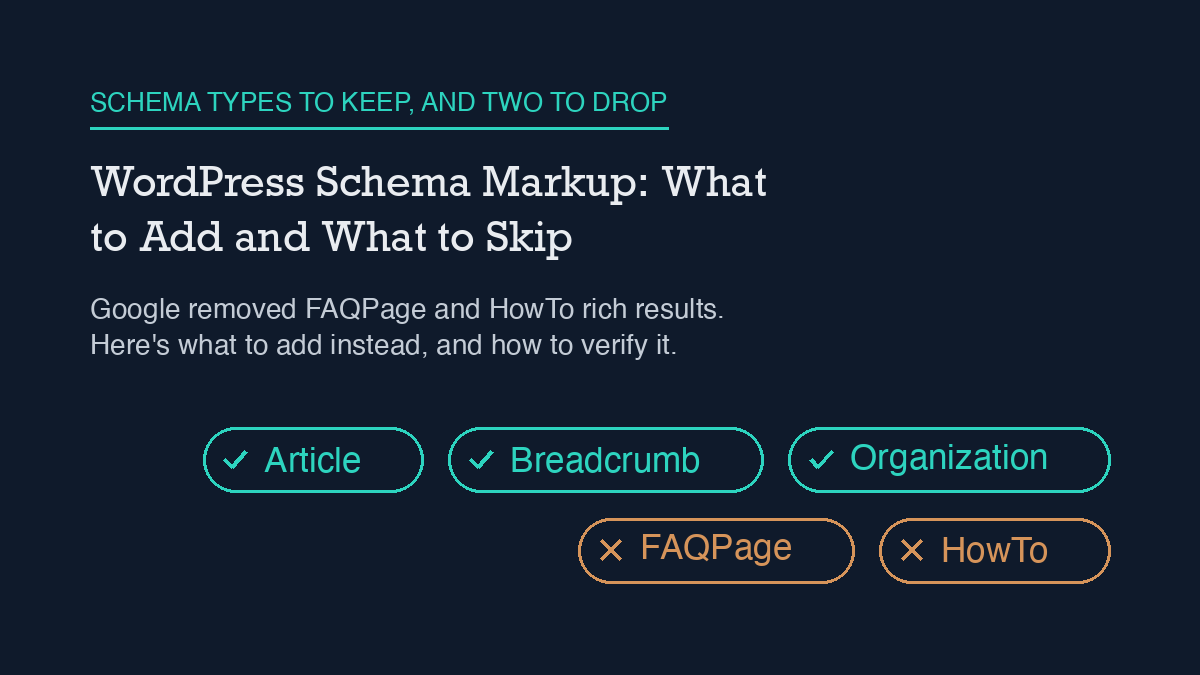
Most WordPress sites need far less schema markup than the generic SEO advice suggests. Add Article schema to posts, Breadcrumb schema to your site structure, and Organization schema to your homepage, all through Rank Math’s Schema module. Skip FAQPage and HowTo entirely: Google no longer shows either as a rich result for ordinary sites, so that markup does nothing except add weight to your page.
What changed with FAQPage and HowTo
If you added FAQ or How-To schema to WordPress posts in the last few years, that advice is now out of date. Google restricted FAQ rich results to well-known, authoritative government and health websites back in September 2023, then removed FAQ rich results from Search entirely starting May 7, 2026. Google’s own documentation page for FAQPage was removed the following month. HowTo isn’t listed among Google’s current supported structured-data types either.
Neither type throws an error if you keep it. The markup is still valid schema.org syntax, and Rank Math or a JSON-LD snippet will still output it without complaint. It just doesn’t do anything for you anymore. On a site like this one, that’s dead weight in the page: a JSON-LD block the crawler parses and gets no ranking or rich-result benefit from, while your actual content ships to the reader with extra bytes ahead of it.
What still works, and what it needs
Google’s current supported list is narrower and more specific than “add all the schema types.” For a typical WordPress content site, three are worth the setup time.
Article schema has no required properties at all; Google’s guidance is to add whichever recommended properties actually apply to your content rather than force-fill a checklist. The properties worth setting are headline, author (with a name and ideally a URL), datePublished, dateModified, and image in a few aspect ratios. This is the schema type every blog post on this site carries, including this one.
Breadcrumb schema needs a BreadcrumbList with at least two ListItem entries, each with a position, a name, and an item URL (the URL is optional only on the final, current-page item). Google specifically recommends breadcrumbs that reflect how a visitor would actually navigate your site, not a literal copy of your folder structure.
Organization schema on your homepage or about page tells Google who’s behind the site: your name or business name, logo, and official URLs. It’s the schema equivalent of a byline for the whole site rather than one post, and it supports the same author/entity signals your individual Article schema is already sending per post.
Setting it up in Rank Math
Rank Math ships a dedicated Schema module that has to be switched on from the Modules screen before any of this works. Once it’s active, go to Rank Math SEO → Titles & Meta and set a default schema type per post type; Posts should default to Article. That default applies automatically to every new post, which is the version most sites should stick with rather than customizing per post.
For a specific page that needs something different, for example a service page that should carry Product or LocalBusiness schema, open that page and use the Rank Math metabox (it appears the same way in the Classic Editor and the block editor) to override the default or add an additional schema type just for that page. This is also where you’d remove FAQPage or HowTo schema if an older post still has it configured from before these changes.
This site runs a lighter version of the same idea without the Rank Math schema builder: a custom agent_jsonld meta field carries hand-built JSON-LD per post, checked into the same WordPress REST API workflow this site uses for other SEO automation (see how this site uses the WordPress REST API for SEO). Either approach, Rank Math’s native builder or a direct JSON-LD field, produces the same output Google reads: it’s a markup-format choice, not a strategy choice.
How to verify it’s actually working
Two checks matter, and they check different things. First, validate the markup itself is well-formed and carries the properties a given type needs; that’s a syntax check, not a ranking check. Second, and more useful day to day, view the page’s source and confirm your JSON-LD block is actually present in what gets served, not just in the editor. It’s easy to set schema in a plugin’s UI and have a caching layer or a template override serve a page that never picked it up.
Do this after every schema change, not just once at setup: publish, then load the live URL and check the rendered HTML directly, the same way this site verifies every post it publishes (worth pairing with a broader look at this site’s WordPress SEO checklist, where schema is one item among several that’s easy to set once and never re-check). If you’re running Rank Math’s automated checks on a schedule, automating Rank Math with an AI agent covers one way to catch a schema field silently reverting after a plugin update, which is a more common failure mode than getting the markup wrong in the first place.
What to do about FAQ content you already have
Dropping FAQPage schema doesn’t mean dropping FAQ sections from your posts. An on-page FAQ block still answers real reader questions, and it’s still useful for AI Overviews and other answer-engine surfaces that read your visible page content directly rather than relying on the JSON-LD wrapper. The fix is narrower than a full content rewrite: keep the visible questions and answers, remove the FAQPage JSON-LD block pointing at them, and don’t add new FAQPage markup going forward. Google Search Console won’t flag this as an error either way; it simply stops counting toward a rich result it no longer shows.
The same logic applies to any other schema type not on Google’s current supported list: leaving it in place is a page-weight and page-count problem, not a penalty risk. If you’re auditing a site for the first time and finding old FAQPage or HowTo markup scattered across dozens of posts, treat it the same way you’d treat any other stale technical debt, similar to how a stale caching layer can quietly break a site’s Core Web Vitals long after the actual page content is fine: worth cleaning up on a schedule, not worth an emergency fix.
Frequently asked questions
This site keeps a visible FAQ section here on purpose, for the reasons covered above: it answers real questions and it’s still useful for AI Overviews and other surfaces that read the page directly, even though the JSON-LD behind it is Article schema rather than FAQPage.
Will removing FAQPage schema hurt my rankings?
No. FAQPage hasn’t been eligible for a rich result on an ordinary site since May 2026, so there’s no ranking or rich-result benefit left to lose. Removing the JSON-LD block only removes markup Google was already ignoring; your visible content and rankings are unaffected.
Should I still write FAQ sections in my posts?
Yes, for readers and for AI Overviews and similar answer-engine surfaces, both of which read your visible page text rather than the JSON-LD wrapper. Write the FAQ section as normal page content; just don’t wrap it in FAQPage structured data anymore.
Does Rank Math still let me add FAQPage schema if I want to?
Yes, the option is still there in the Schema module, because Rank Math supports the full schema.org vocabulary, not just Google’s current rich-result list. Having the option doesn’t mean it’s still useful; for Google Search specifically, it isn’t.
What’s the single highest-priority schema change for most WordPress sites right now?
Confirm every post carries Article schema with a real datePublished, dateModified, and author, then remove any FAQPage or HowTo JSON-LD left over from older advice. That one pass covers both what to add and what to skip.
Leave a Reply