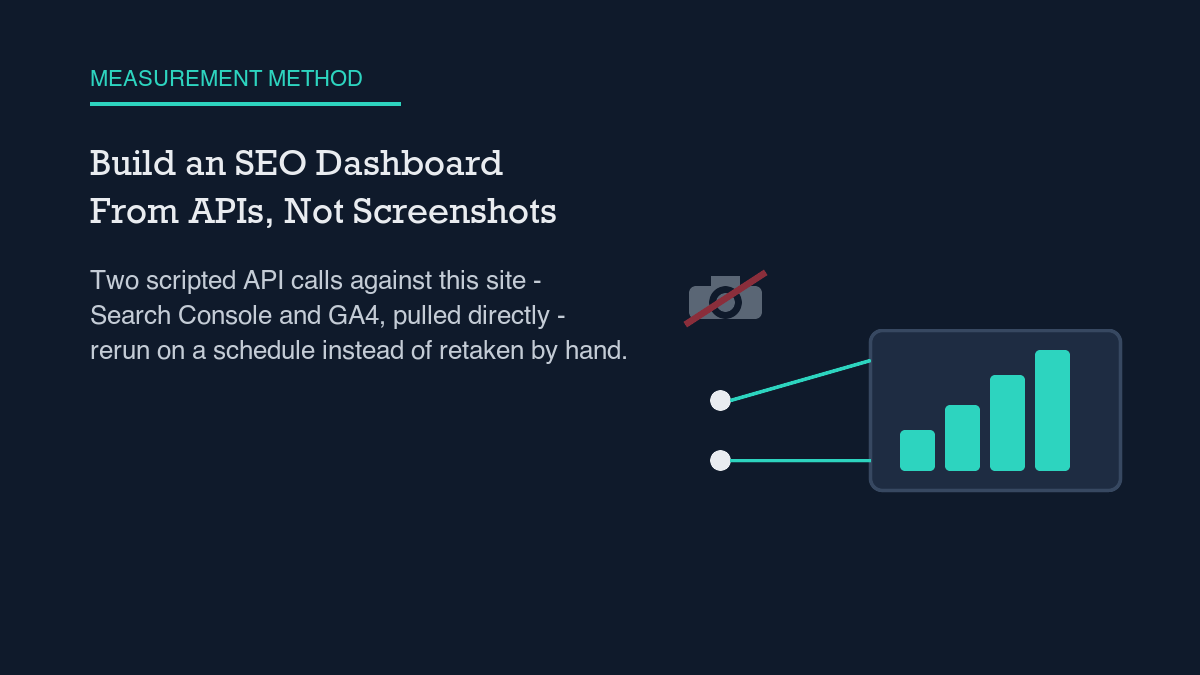
A dashboard built from the Search Console and GA4 APIs is two scripted queries you can rerun on a schedule, instead of two tabs you have to remember to check. I built one against this site’s own property this week:
searchAnalytics.queryfor Search Console,properties.runReportfor GA4. The totals it returned were not flattering – 4 clicks against 339 impressions over roughly five weeks – but that is the point of building it this way. The method below is exactly what I ran, so you can point it at your own property and get your own numbers instead of trusting mine.
Most advice about an “SEO dashboard” really means exporting a screenshot or copying a number into a spreadsheet once a week. That is not a dashboard, it is a snapshot, and snapshots go stale the moment you take them. A dashboard worth the name is something you can rerun unattended and trust to tell you when something changed. Both of the APIs behind this post’s numbers are built for exactly that – they are queryable, scriptable, and scheduled, not clicked through.
The method, step by step
Here is the sequence I used to pull this site’s own numbers directly from both APIs, with no UI involved:
- Authenticate against the Search Console Search Analytics API with a service account, then call
searchAnalytics.querywith a date range and no dimensions. That returns one aggregate row for the whole period – clicks, impressions, CTR, and average position – which is the number most people actually want first. I go deeper into authenticating and scripting this call in my piece on Search Console API automation. - Re-run the identical query with
dimensions: ["date"]added. This breaks the same period into daily rows, which is where lag and noise actually show up – the aggregate number alone hides both. - Switch to the GA4 Data API and call
properties.runReportagainst your property ID, with a channel dimension such assessionDefaultChannelGrouporsessionSource. This tells you how many actual sessions those Search Console impressions are producing, not just how many times a listing appeared. - Request a second GA4 report with
dateas the dimension, the same way you did for Search Console, so you can see day-by-day session counts next to day-by-day impressions. - Save every raw response to disk before you summarize anything. You want to be working from the original numbers, not from a rounding decision you made once and forgot about. It is the same discipline I use when pulling and pushing data through WordPress’s own REST API – keep the raw response, summarize later.
- Put both pulls on a schedule – cron, a GitHub Action, anything that runs unattended – and the two saved files are now a dashboard, not a one-time report.
That is the whole method. It is two authenticated API calls, saved to disk and read on a schedule – not a plugin, not a login, not a screenshot.
This site’s real numbers right now
I ran the Search Console pull on October 12, 2026, requesting September 1 through October 8 – the newest complete row available at request time. (Both the UI and the API stop a few days short of today for reasons that have nothing to do with this site specifically; I cover why in why Search Console data lags.) Over that window, this property logged 4 clicks, 339 impressions, a 1.18% CTR, and an average position of 18.45.
The daily breakdown behind that aggregate is less tidy than the summary number suggests. Clicks land on only a handful of days inside the whole window, and one day, September 20, shows an impression registering at an average position of roughly 79. That is not a broken query. It is one low-volume search matching a page deep in the results, and that single event is enough to pull the day’s average position down with it. An aggregate built from numbers this small is mostly describing a handful of individual events, not a trend.
The GA4 half of the same pull, for September 12 through October 11, shows roughly 14 total sessions across the month, of which 3 came through organic search – two arriving as a search.google.com referral and one tagged as organic Google traffic. I cover GA4’s channel-attribution quirks, including why a single search engine can show up split across two different channel labels, in GA4 for SEO reporting.
A day-by-day GA4 overview for the same window mostly shows one or two active users on the days that have any activity at all, and several days have no row whatsoever – not a row showing zero, just an absent row. That is the same shape of gap you would see running the daily-dimension check against Search Console: the API only returns a row for a day once that day has something to report.
Reading the results honestly
Numbers this small do not support much interpretation. Four clicks against 339 impressions is not a sample you can draw a trend line through – it is a count you report, with the caveat that counts this low are mostly noise until they grow. The single day with a position near 79 is not evidence the whole site is underperforming; it is evidence that one query matched one page on one day. Average position, in particular, deserves suspicion at this volume: it is an average of very few data points, and a handful of outlier matches can move it by dozens of ranks in either direction.
The other honesty check is timing, and it is the reason the date range above stops at October 8 instead of October 12. Both APIs carry documented reporting lag – Search Console’s Performance data typically settles over a few days, and GA4’s own Search Console integration reports catch up on a separate, shorter schedule. Pulling fresh numbers through an API does not remove that lag; it just lets you measure the lag directly instead of guessing at it, which is the whole argument for building the dashboard this way in the first place.
What would falsify this
The claim in this post is narrow on purpose: pulling these two APIs directly gets you a dashboard you can rerun and trust, in place of a screenshot you have to retake by hand. It is not a claim that this site’s current numbers are good, and it is not a promise about what a dashboard like this will find on your own property – yours might show larger or smaller counts, and the method does not care either way.
The specific test this post commits to is the one in the brief that prompted it: if, 60 days after publication, this URL has zero Search Console impressions for any query containing “build SEO dashboard” or close variants, despite being indexed, the premise behind writing a measurement post like this one – that it earns its own impressions through the same channel it describes – will have failed, and the approach needs revisiting, not defending.
- Pull one aggregate query first, with no dimensions, to see the summary numbers.
- Re-run the same query with a date dimension to see what the aggregate is hiding.
- Pull GA4’s channel breakdown alongside it to connect impressions to actual sessions.
- Save every raw response before you summarize anything.
- Expect the newest few days to be missing from both APIs, not just one.
- Treat small-sample counts as counts, not as trends.
Leave a Reply