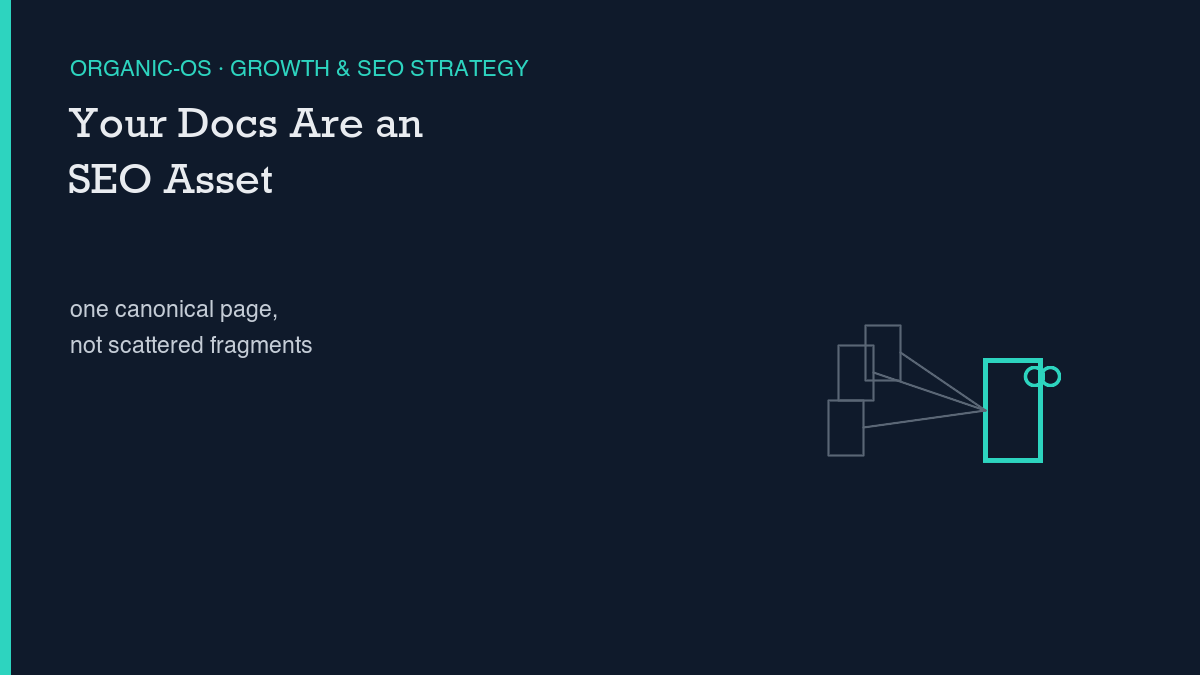
Your documentation is already indexable content. Whether it works as an SEO asset comes down to one structural choice: does each topic get one canonical, well-linked page, or does it stay scattered across unversioned fragments and orphaned URLs? We treat this as a channel decision, not a copywriting exercise. Documentation SEO succeeds or fails on information architecture, and we’re writing this against our own numbers rather than a borrowed industry benchmark.
Why this channel fits (or does not) at this stage
Today’s Search Console pull for this site matched 80 rows across 26 pages, the same top-eight-query band we saw yesterday and the day before – no new entrant into that group. The most recent fully finalized day, November 7, shows zero clicks and three impressions across matched queries, at an average position of 48.33. Google Analytics recorded one session on that date. We are, in other words, exactly the kind of site this question is actually about: early-stage, no inbound links to speak of, sitting in the 40s-to-80s position band on most terms.
That is the honest starting point for anyone deciding whether to invest in documentation SEO rather than general marketing SEO. The two are not the same discipline. Marketing SEO chases keyword volume and persuasive copy. Documentation SEO targets long-tail technical queries – exact error strings, specific API parameter names, the literal phrase a developer pastes into a search bar at 2 a.m. – and it rewards information architecture and technical accuracy over any kind of sales language. If your product has no documentation strategy yet, docs-as-SEO fits because it is close to free: you are going to write the docs anyway, and the only added cost is making sure each page is structured so a crawler and a confused reader land in the same place.
Where this channel does not fit is a product with no stable feature set yet. Documentation SEO rewards pages that stay at a fixed URL for months, accumulating internal links and, eventually, external ones. If your docs are being rewritten weekly because the product itself is still changing shape, you will spend the structural effort before the content is settled enough to benefit from it. We cover how that tradeoff plays against general on-site SEO automation work separately – docs-as-SEO is additive to that foundation, not a replacement for it.
The concrete play
The structural play has three parts, and none of them require new tooling. First: one canonical URL per topic. If you have versioned docs, pick a canonical version and point every older version’s equivalent page at it, rather than letting a crawler index three near-duplicate pages for the same concept. Second: a pillar page per topic cluster, linking out to detail pages, rather than a flat list of unrelated how-to articles. Third, and the one most teams skip: an orphaned-page audit. A docs page that no other page links to is a page search engines are less likely to trust, no matter how accurate its content is.
On individual pages, the highest-leverage change is the same one we use on this site’s own posts: open with a direct-answer capsule, a short paragraph near the top that states the answer before any of the surrounding context. We cover the mechanics of that format in writing answer capsules, and the same logic applies to a docs page as to a blog post – a reader (or an AI assistant summarizing the page) should be able to get the answer from the first few sentences, with the rest of the page available for anyone who needs the detail.
There is also a newer layer worth considering once the human-facing structure is solid: machine-readable discovery files like llms.txt, which exist specifically to help AI assistants find and cite the right canonical page instead of guessing from a stale cache. We walk through the setup in llms.txt for WordPress. It is a small addition on top of the canonical-URL work above, not a substitute for it – an llms.txt file pointing at a messy set of duplicate pages just formalizes the mess.
Sequencing: what first, what later
- Audit existing docs pages for duplicates and orphaned URLs; pick one canonical page per topic and redirect or canonicalize the rest.
- Add internal links between docs pages, and from relevant blog or marketing posts into the docs, so the canonical pages stop being orphaned.
- Add an answer-capsule opening to the handful of docs pages most likely to match a real search query – start with pages that answer a specific error or setup question, not general overview pages.
- Only after the human-facing structure is stable, add a machine-readable discovery layer such as llms.txt, pointing at the same canonical pages.
Doing this out of order – publishing an llms.txt file before the canonical-URL cleanup, for instance – mostly formalizes whatever confusion already exists in the page structure. The sequencing above is deliberately boring: fix what already exists before adding a new discovery layer on top of it.
Measurement and kill criteria
The metric that matters here is impressions, not clicks, in the first stretch. A documentation page that starts showing up in Search Console for the specific error strings and parameter names it covers is doing its job, even before anyone clicks through – that is evidence the crawler finally understands what the page is about. Clicks and ranking position follow later, once a canonical page has accumulated enough internal links to be trusted.
We’re stating the kill criterion as a number rather than a feeling, the same way we do for every piece in this cluster: this is wrong if 60 days after publish, this URL has zero GSC impressions for any query containing the primary keyword terms, despite being indexed. If that happens, the honest conclusion is not that documentation SEO is a bad idea in general – it is that this specific site’s docs structure, at this specific stage, was not ready for the investment, and the canonical-URL and internal-linking work above needs to happen before any discovery layer will show a return.
Leave a Reply