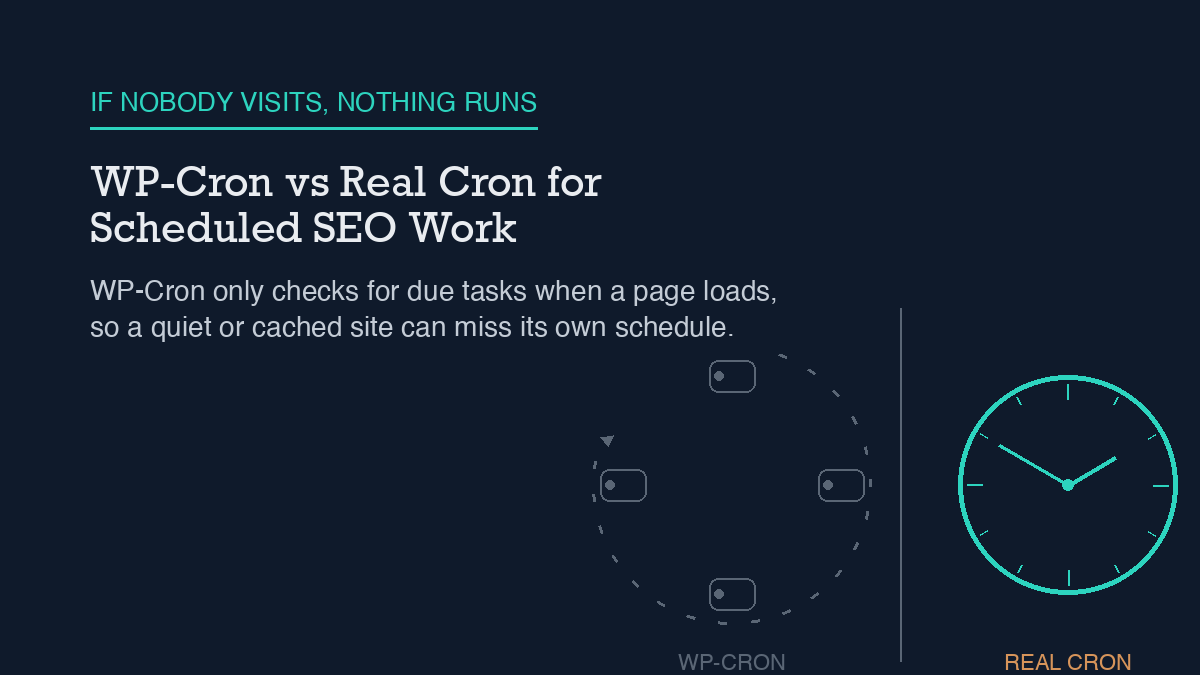
WP-Cron is not a real cron job. It is a pseudo-scheduler that only checks for due tasks when someone loads a page on your site, which means it can silently stop firing on a low-traffic site or a fully cached one and nothing in the admin will tell you. The fix is to add
define('DISABLE_WP_CRON', true);to wp-config.php and point a real system cron job or scheduled task at wp-cron.php on a fixed interval instead. Verify it worked withwp cron testandwp cron event list, not by assuming the fix took effect.
Why it happens
WordPress core does not run a background daemon. Instead, every page load calls wp_cron(), which checks the scheduled-events table stored in the cron option and, if anything is due, calls spawn_cron() to kick off a run. That call is guarded by a transient lock – the doing_cron option, held for WP_CRON_LOCK_TIMEOUT seconds (60 by default) – so two visitors hitting the site at the same moment don’t trigger two overlapping cron runs.
The part that actually causes the failures we care about is how that trigger fires. spawn_cron() sends a non-blocking HTTP request, via wp_remote_post(), to wp-cron.php with a very short timeout and blocking set to false. The page that triggered it doesn’t wait around to find out whether the cron run succeeded, or whether it ran at all. That’s a deliberate design choice – it keeps a visitor’s page load fast – but it also means a broken cron trigger fails silently. No error in the admin, no email, nothing. It just stops running, and unless someone visits infrequently enough or checks directly, you won’t notice.
This matters more than it sounds like on a site that leans on scheduled background work for SEO tasks. We use WP-Cron indirectly every time we automate Rank Math field updates with an agent on a schedule, and the same dependency shows up anywhere a plugin queues sitemap regeneration, rank tracking, or scheduled publishing behind a cron hook. If the page-load trigger stalls – because a page cache is serving every request from disk without touching PHP, or because traffic on a given route just dries up – every one of those scheduled jobs stalls with it, quietly.
Step-by-step fix
The fix has two parts: stop relying on page loads to trigger cron, and start triggering it from something that actually runs on a schedule regardless of traffic.
1. Disable the page-load trigger. Add this line to wp-config.php, above the line that says “That’s all, stop editing”:
define('DISABLE_WP_CRON', true);
This stops wp_cron() from firing its non-blocking request on every page view. It does not clear or disable the scheduled events themselves – they stay registered in the cron option and will run the moment something else calls wp-cron.php directly.
2. Point a real scheduler at wp-cron.php. On Linux or macOS, a crontab entry that hits the endpoint once a minute (or whatever interval matches your tightest scheduled task) looks like this:
0 0 * * * wget --delete-after http://YOUR_SITE_URL/wp-cron.php
On Windows, the equivalent is a scheduled task running a PowerShell command:
powershell "Invoke-WebRequest http://YOUR_SITE_URL/wp-cron.php"
Either way, you’re replacing an unreliable, traffic-dependent trigger with one that fires on a fixed interval no matter how many visitors the site gets. This pairs naturally with any other scheduled automation already hitting the site’s endpoints – if you’re already calling into the WordPress REST API for SEO automation, adding one more scheduled HTTP call to the same infrastructure is a small addition, not a new dependency.
3. Know that ALTERNATE_WP_CRON is not a substitute. Some hosts that block loopback HTTP requests suggest setting ALTERNATE_WP_CRON instead. That’s a redirect-based trigger that still depends on page loads – it works around a specific hosting restriction, but it does not give you a true, traffic-independent scheduler the way a real cron job does.
How to verify it worked
Don’t assume the fix took. WP-CLI has a built-in diagnostic for exactly this: wp cron test. It checks whether DISABLE_WP_CRON is set and errors if the page trigger is still disabled without a replacement in place, warns if ALTERNATE_WP_CRON is active, and attempts to spawn WP-Cron over HTTP itself, warning on anything other than a 200 response. On a healthy setup it reports “Success: WP-Cron spawning is working as expected.”
Follow that with wp cron event list, which shows every registered hook along with its next scheduled run time and recurrence. If a hook’s next-run time is in the past and staying there across repeated checks, the event is registered but not actually firing – which is the exact failure mode a broken trigger produces.
This is the same verification discipline we apply to drift monitoring on this site: drift checks are themselves a scheduled job, and if WP-Cron stalls, the monitoring meant to catch problems stalls right along with it. Checking wp cron event list after any server or caching change is a five-second habit that catches this before it becomes a multi-day blind spot.
What to do when the standard fix fails
If you’ve set DISABLE_WP_CRON, wired up a real cron job, and wp cron test still isn’t clean, the trigger mechanism usually isn’t the problem anymore – the scheduling code registering the events is. The most common cause is a plugin or custom code calling wp_schedule_event( $timestamp, $recurrence, $hook, $args ) with an $args array that changes slightly between calls. wp_next_scheduled() is supposed to prevent duplicate registrations, but it only matches on the exact same $hook and $args pair used originally – if $args drifts even slightly, the duplicate check fails silently, and you end up with the same event registered multiple times, bloating the cron option and multiplying background load.
wp cron event list will show you this directly: look for the same hook name appearing more than once with different next-run times. From there, wp cron event run --due-now lets you force-execute everything currently due, which is useful for confirming a specific hook actually works once triggered, separate from whether it’s being triggered on schedule at all.
This is the same category of failure as a stale, stuck background job anywhere else on the stack – it looks a lot like what happens when a sitemap stops updating even though the plugin generating it appears configured correctly. In both cases the fix isn’t re-checking the obvious setting again; it’s confirming the underlying scheduled job is actually running, not just registered.
Frequently asked questions
Does DISABLE_WP_CRON stop scheduled events from running entirely?
No. It only stops the automatic page-load trigger. Scheduled events stay registered in the cron option and will still run the moment something else – a real cron job, WP-CLI, or a direct request – hits wp-cron.php.
What if my host doesn’t allow real cron jobs?
ALTERNATE_WP_CRON is the documented fallback for hosts that block loopback HTTP requests, but it’s still page-load-dependent and carries the same silent-failure risk as the default trigger. If your host offers any scheduled-task feature at all – even one meant for other purposes – pointing it at wp-cron.php is more reliable than staying on the page-load trigger.
How often should the real cron job hit wp-cron.php?
Match it to your tightest scheduled interval. If nothing on the site runs more often than hourly, once every 15-30 minutes is more than enough; there’s no benefit to polling far more often than your most frequent scheduled task actually needs.
Can I use WP-CLI’s wp cron event run instead of a system cron job?
wp cron event run --due-now executes due events on demand, but it has to be triggered by something – it is not itself a scheduler. It’s the right tool for manually forcing a run or testing that a hook works, not a replacement for a real cron job or scheduled task calling wp-cron.php on an interval.
Leave a Reply