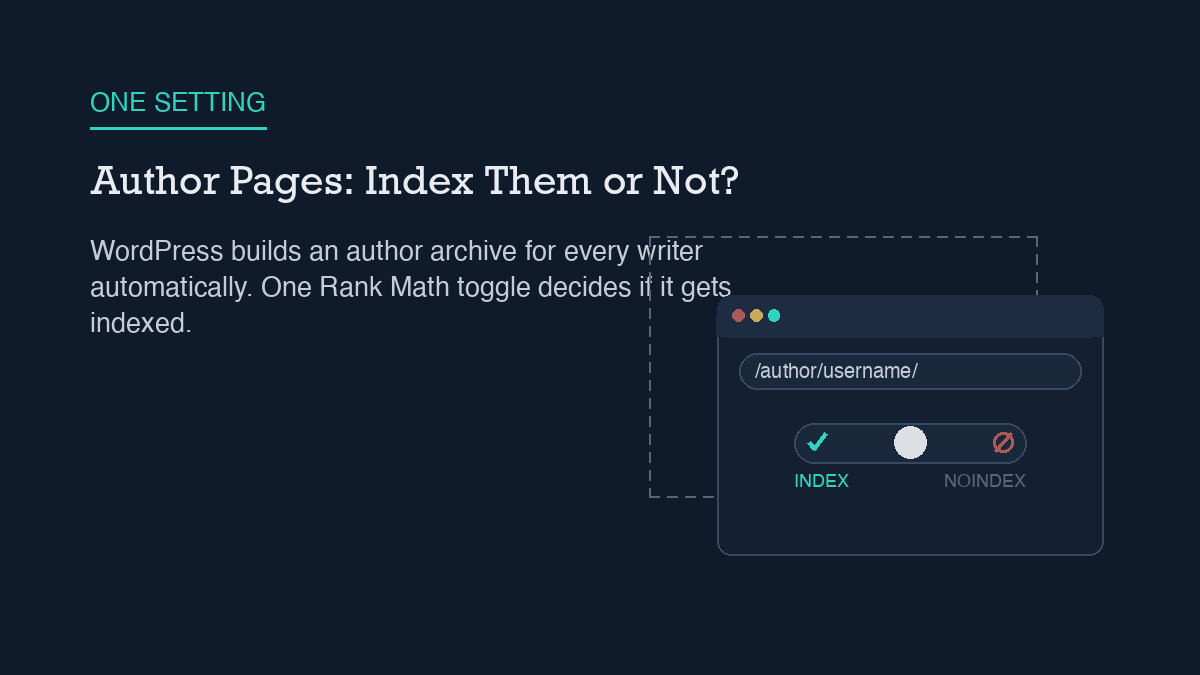
Most WordPress sites do not need author archive pages indexed. WordPress creates a page at
/author/{username}/automatically for every user who has published content, whether you intended search engines to see it or not, and on a single-author site that page just repeats what your blog index and category pages already show. The short fix is one toggle: open Rank Math’s Titles & Meta settings, go to the Authors tab, and turn off Author Archives. If you might add more writers later and want the option open, set the archive to noindex instead of disabling it outright – same result for search engines, less to undo if your site grows.
Why it happens
You did not build an author page. WordPress built it for you. The moment a user account publishes its first post, WordPress generates a pretty-link archive at /author/{username}/ based on that user’s login name or nicename, and it stays reachable for as long as the account has published content. There is no setting that turns this off at the WordPress core level – the page exists by default, on every install, for every author.
That default causes two separate problems. The first is content duplication. An author archive is just a list of that person’s posts, reverse-chronological, with excerpts. On a single-author blog, that list is functionally identical to your homepage or your main blog index – same posts, same order, different URL. You end up with two (or more, once you count category and tag archives) indexed pages competing to rank for the same content instead of one page doing the job.
The second problem is smaller but easy to overlook: the default author slug is built from the username, and a predictable username is one less thing an attacker has to guess during a brute-force login attempt. It is not a severe vulnerability on its own, but it is an unnecessary piece of information to leave exposed on a public URL, especially on a site with only one or two accounts where the author slug and the login name are easy to connect.
If you are running Rank Math, you already have the control for this without installing anything new. The same Titles & Meta setup most sites configure once and forget includes an Authors tab with an Author Archives toggle, and that single setting is doing double duty here: it decides both whether the archive page exists in a crawlable form and what happens when someone lands on that URL anyway.
Step-by-step fix
The fix does not require a plugin install or a code change. It is a settings change in the SEO plugin you are already running, plus one verification pass afterward.
1. Decide if you actually need author archives. Single-author sites almost never do – your homepage and category pages already cover the same ground. Multi-author sites are the exception: if each writer has a distinct beat and you want their archive to work as a mini-portfolio page in search results, keep it. Otherwise, turn it off.
2. Open Rank Math’s Titles & Meta settings and go to the Authors tab. This is a separate tab from the general post-type settings, easy to miss if you only configured posts and pages when you first set up the plugin.
3. Turn off the Author Archives toggle if you do not need the pages at all. With this off, visiting an author archive URL redirects to the homepage instead of returning the page or a 404 – the archive effectively stops existing as a separate crawlable destination.
4. Use noindex instead of disabling, if you want the pages to stay reachable. Some sites still want authors to be able to view their own archive page even if it should not compete in search. For that case, leave Author Archives enabled but turn on Robots Meta for that archive type and check No Index – the same general process Rank Math uses for noindexing any other post type or archive. The page stays live; it just stops asking to be ranked.
5. Save, then clear any full-page cache. If your host or a caching plugin is serving a cached copy of the author archive, the old version can keep showing up in a crawl or a manual check until the cache clears, even though the setting change is already live on the server.
How to verify it worked
Do not take the settings screen’s word for it – confirm what the live page actually does. Visit /author/{yourusername}/ directly in a fresh browser tab, logged out, with no cache-busting query string. If you disabled Author Archives entirely, you should land on your homepage, not a 404 and not the old archive listing. A 404 usually means the redirect has not taken effect yet, often a caching issue; the archive page still rendering means the setting was not saved or a caching layer is serving a stale copy.
If you chose the noindex route instead, view the page source of the live author archive and look for <meta name="robots" content="noindex... in the <head>. That tag needs to say noindex, not just be absent – an empty or missing robots meta tag means the page is still indexable by default. This is the same source-level check worth running any time you rely on a robots-level rule to keep a URL out of search results: the setting only counts once it shows up in what the browser actually receives.
Worth a separate look, since it is easy to conflate the two: a noindex meta tag on the author page is not the same as blocking the URL in robots.txt. Blocking crawl access in robots.txt can actually prevent Google from seeing the noindex tag at all, which sometimes leaves the URL indexed with no description. For author archives, the meta-tag route above is the one that reliably removes the page from search results without that side effect.
What to do when the standard fix fails
If the Author Archives toggle is off but the page is still showing up in search results weeks later, the setting change worked – search engines are just slow to drop a URL they have already crawled and indexed. A noindex tag or a redirect stops future indexing; it does not retroactively pull an already-indexed page out of the index on its own. Give it time, and if the URL still has not dropped after a few weeks, request removal or a recrawl through Search Console rather than assuming the WordPress-side fix did not take.
If the redirect is not happening at all – the archive URL still renders the old post listing after you have confirmed the toggle is off and the cache is cleared – the most common remaining cause is a theme or page builder that has its own author-template file overriding the default behavior. Some themes ship a custom author.php template that renders regardless of what your SEO plugin’s settings say, because the plugin’s toggle controls the meta output, not necessarily whether the page renders at all on every theme. Check your active theme’s files (or ask your theme’s support) for a custom author template before assuming the SEO plugin is misconfigured.
One more edge case: if your canonical tag on the author archive still points at the archive URL itself rather than somewhere more useful, that is a separate, smaller signal working against you even after noindex is in place – it tells any crawler that does see the page that this URL is the authoritative version of its own content, which is exactly what you are trying to avoid. Most SEO plugins handle this automatically once Author Archives is configured correctly, but it is worth a quick source check alongside the robots meta tag, especially if you made the change some other way.
Leave a Reply