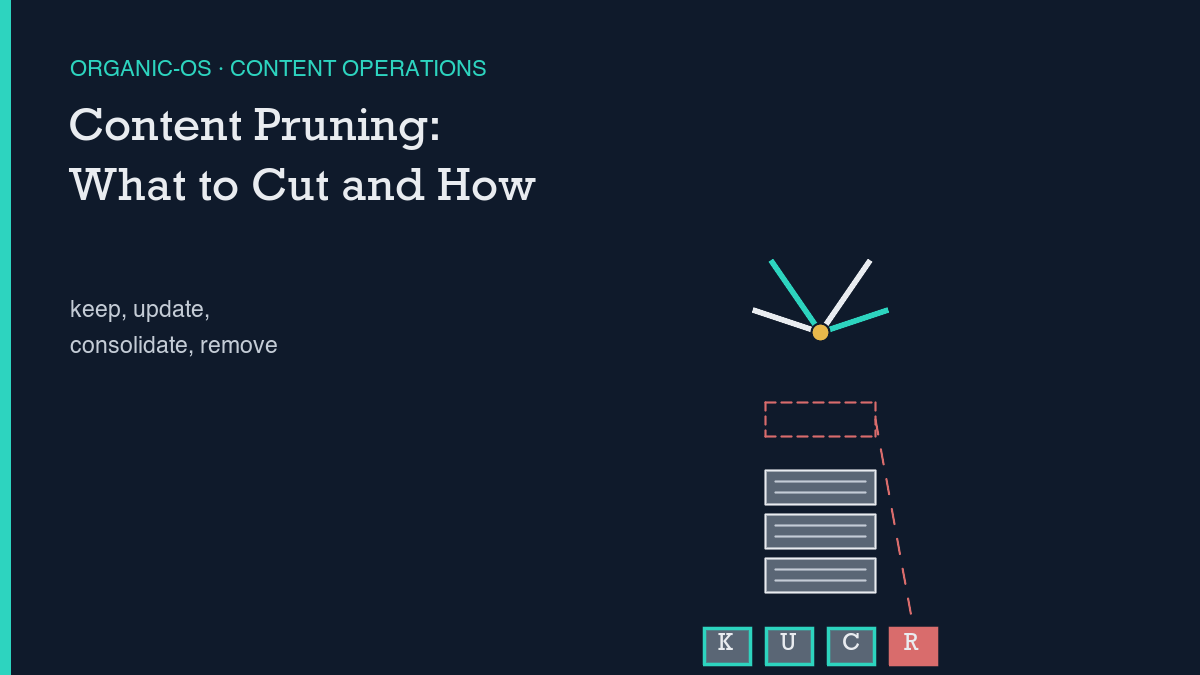
Content pruning is a decision rule applied one page at a time, not a blanket purge: for every underperforming page, pull its traffic, links, and age from Google Search Console and GA4, then sort it into one of four buckets – keep, update, consolidate, or remove – and only act on the ones a person has actually looked at. The field’s own guidance adds a gate this site can check against its own data directly: don’t touch anything under roughly six months old, because newer pages have not had time to mean anything yet. Checking that gate against this site’s own publish dates is the worked example below, including the one real pruning action this site has actually taken so far.
“Prune your underperforming content” is common advice in search roundups, but it skips the part that actually matters: underperforming compared to what, and sorted into which bucket. A page with zero clicks is not automatically a delete candidate – a page with zero clicks and zero backlinks and thin, outdated copy is. Those are different facts, and conflating them is how a legitimate process turns into deleting pages that were quietly doing fine.
The process, stage by stage
HigherVisibility’s content-pruning guide lays out a four-way split that this piece uses as-is: pages that have no traffic, no backlinks, no strategic value, and little or no chance of ranking are Remove candidates, with a 301 redirect if anything still links to them. Pages that cover similar ground to others, or offer only partial value on their own, are Consolidate candidates – merge the useful parts into one stronger page and 301 the old URLs into it. Pages that are still relevant but underperforming, whether from outdated information, thin content, or weak optimization, are Update candidates – the page stays, the content gets reworked. Everything else is Keep. The same source gives the actual lookback window a script can run this against: pull clicks and impressions per page over the past three to six months, and flag anything with fewer than 10 clicks or fewer than 100 impressions, or anything that has sat below position 30 with no upward movement in that window.
Before any of the four buckets get assigned, there is a gate that has to run first: age. The same guidance is explicit that a page needs months, not weeks, before its numbers mean anything – pruning a page that has not had time to earn organic traffic yet mistakes “too new to rank” for “not worth ranking.” That gate is checkable on this site’s own data the same way the four buckets are, which is most of the point of the worked example further down.
Google’s own documentation on removing content from Search adds one more piece that agency guides tend to skip: a temporary removal request through Search Console’s Removals tool is explicitly not a fix. Google’s own words for it are that requests made in the Removals tool “last for about 6 months” – it is a mask, not a prune. The only ways to make a removal permanent are the same three paths this piece already covers from the independent-pruning side: actually remove or update the content, add a noindex tag, or password-protect the page. There is no fourth option where a page quietly disappears from the index while the content and the URL both keep existing untouched.
What a script checks and what a person still has to decide
Everything in the paragraph above – clicks, impressions, average position, page age in days, whether an internal or external link still points at a URL – is a number a script can pull and compare against a threshold. This site’s own Search Console API pull is the same kind of mechanical step: a per-page query against a date range, no judgment involved in fetching the row. Sorting pages into a worklist by those thresholds is mechanical too.
What a script cannot do is decide whether a flagged page is thin because the topic genuinely does not warrant more words, or thin because it needed another pass that never happened – that distinction is exactly what separates a legitimate Update call from a wrongful Remove. It also cannot decide whether two pages that look similar on paper are actually serving two different search intents that happen to share vocabulary, which is the same judgment call this site’s own piece on refreshing versus publishing new has to make before a page is even a pruning candidate. Both of those calls get a person’s eyes on the actual page, not just its row in a spreadsheet.
This site’s own before/after
Here is the honest version of this site’s own pruning history: there has been exactly one real pruning action, and it was not a blog post. In July 2026, a leftover sample-page (WordPress page id 2) was trashed and removed from the sitemap. That removal was independently re-verified a few days later with two direct checks: a live fetch of /sample-page/ returning 404, and a fresh pull of page-sitemap.xml showing the stale <loc> entry gone, with the sitemap’s own <lastmod> timestamps confirming the cache had actually regenerated rather than just appearing to. That is a small, non-editorial example, but it is the one piece of pruning this site can point to and say it actually happened and was actually checked.
For the blog itself, the honest answer is that nothing here is eligible yet. The oldest posts on this site were published in mid-to-late July 2026; today is 2026-10-28. Against the field’s own roughly-six-month age gate, every post on this site is still too young to prune, full stop – and that is a claim this piece can check directly against the site’s own publish dates rather than assume. What the process can already do, even before anything crosses that gate, is flag what it will have an opinion on once the window opens. Pulled from this site’s own Search Console data over the 2026-07-18 to 2026-10-26 window: the page on WordPress application passwords, published 2026-08-22, has logged 196 impressions and 0 clicks at an average position around 60 – real query interest, poor position, the Update shape once it is old enough to act on, not a Remove shape. Contrast that with this site’s own piece on measuring content decay, which has logged only 2 impressions and 0 clicks at an average position near 50 over the same window – thin signal either way, and also not yet six months old, so today’s honest answer for that page is “wait and keep watching,” not a verdict.
How to tell if the process is helping
Because this site has not actually pruned a blog post yet, it cannot claim a before/after lift from doing so – and will not round a future action up to a win before the data backs it. The honest version of “how to tell if it’s helping,” once pages do start crossing the age gate, is the same falsifiable shape this site attaches to every brief: pick a dated checkpoint, compare the surviving pages’ impressions against their own pre-prune baseline, and log the result as applied or falsified rather than assumed. Telling real signal from noise matters more here than almost anywhere else in this site’s process, because a handful of pages moving a few positions in either direction over a few weeks is closer to normal variance than to a pruning effect, and treating it as proof either way is the mistake the rest of this process is built to avoid. The same cluster structure that tells this site which posts belong together is also what a consolidation decision has to respect – merging two pages that sit in different clusters for different reasons is a different call than merging two near-duplicates inside the same one.
Leave a Reply